01
prompts.txt
Drop the list
Put one prompt per line in a `.txt` file. Each file becomes a visible job in the queue.
Queue text and image jobs from one Chrome side panel. ChatGPT Automation submits each prompt, tracks every result, and saves generated images into organized folders.
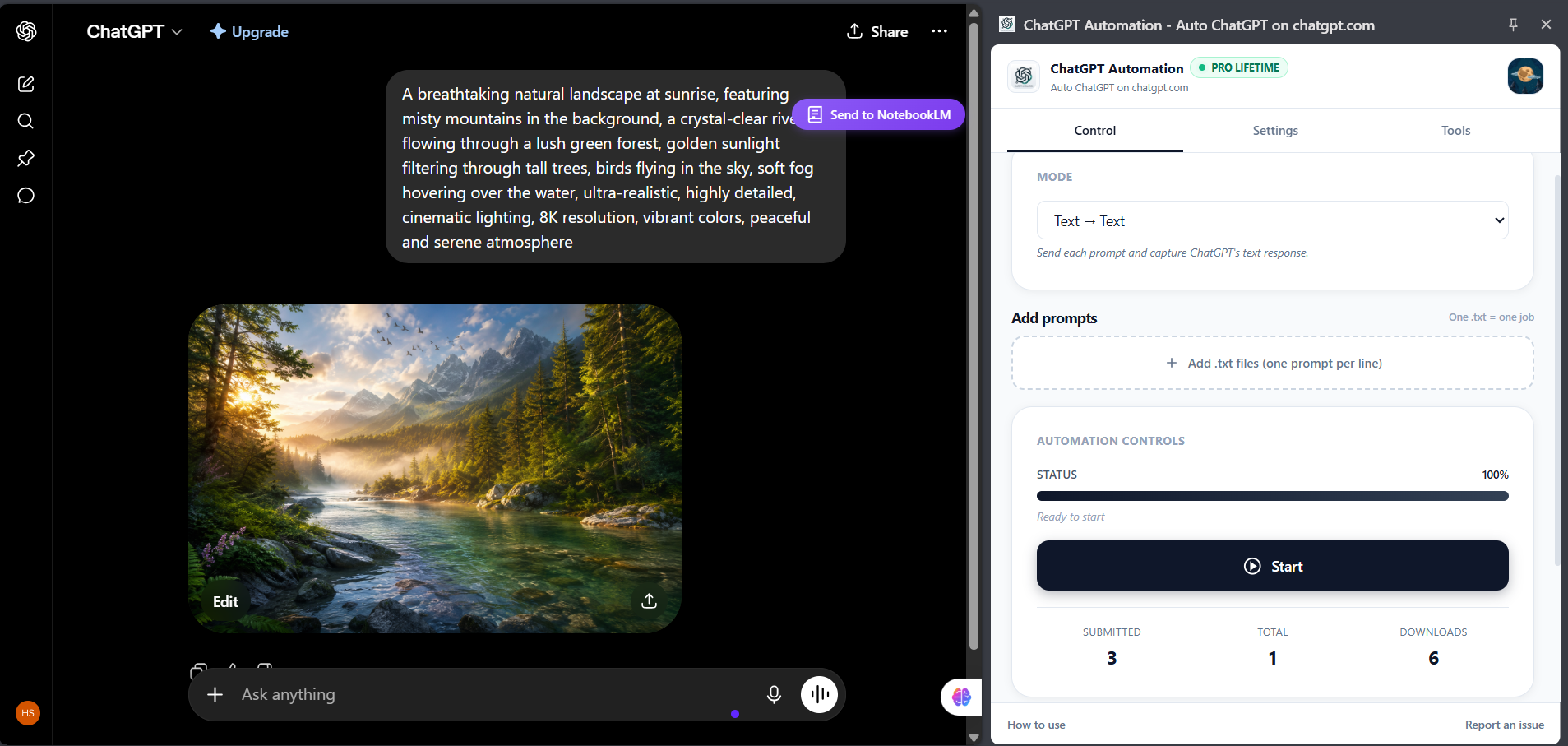
Copy, paste, send, wait, download, rename, repeat. The work looks small because every click is small. The cost appears when the list reaches fifty prompts.

ChatGPT Automation is a Chrome extension that turns a list of prompts into an unattended batch run on chatgpt.com. You upload a .txt file with one prompt per line; the extension types each prompt, waits for the response, saves generated images into organized folders, and moves to the next — inside your own ChatGPT session, with no API key and no per-token billing.
No scripts. No spreadsheet wiring. No separate API workflow.
Put one prompt per line in a `.txt` file. Each file becomes a visible job in the queue.
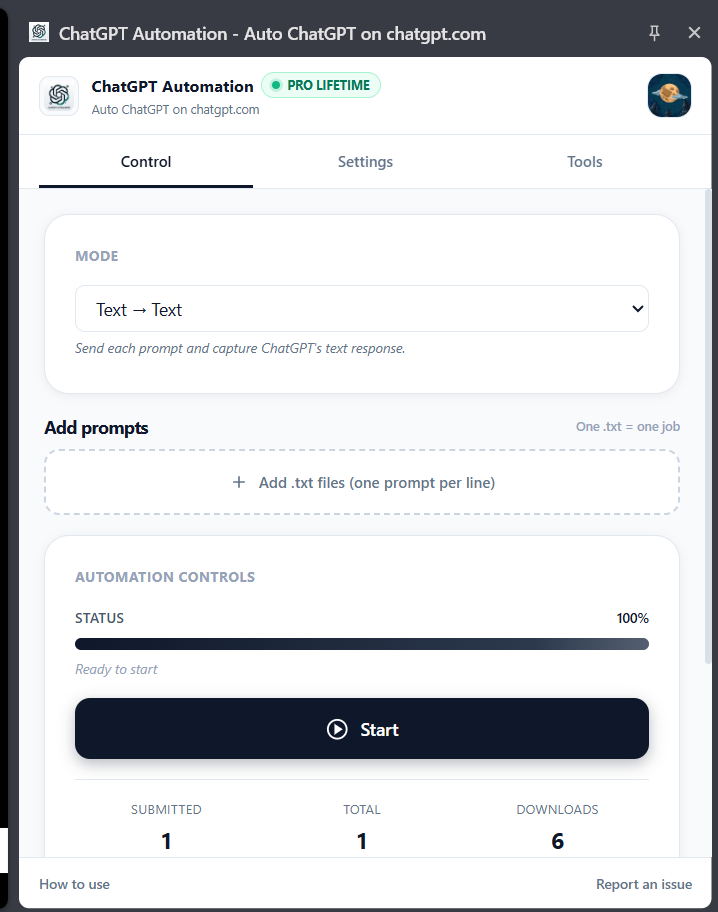
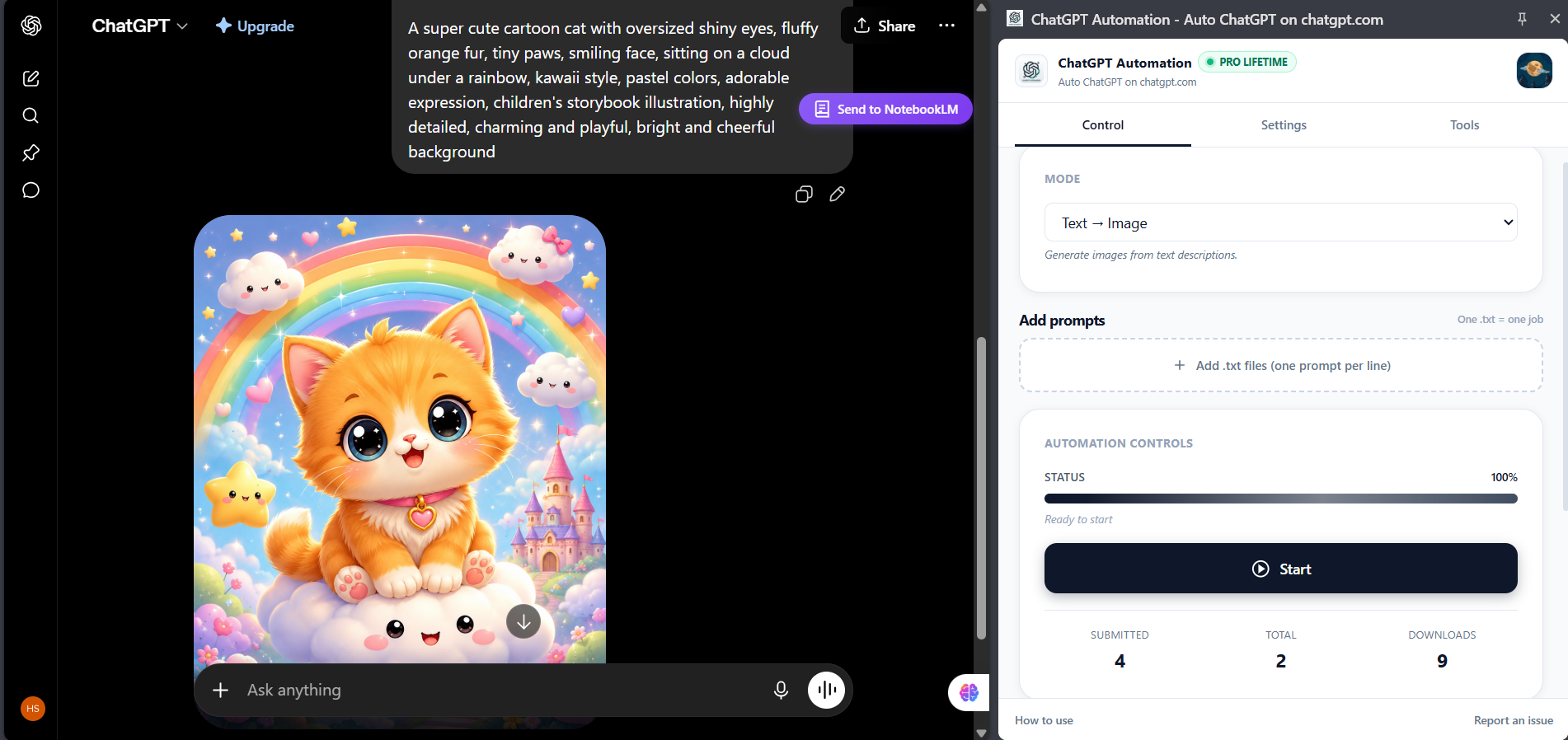
Select text, text-to-image, or image-to-image mode. Set the pacing, then press Start once.
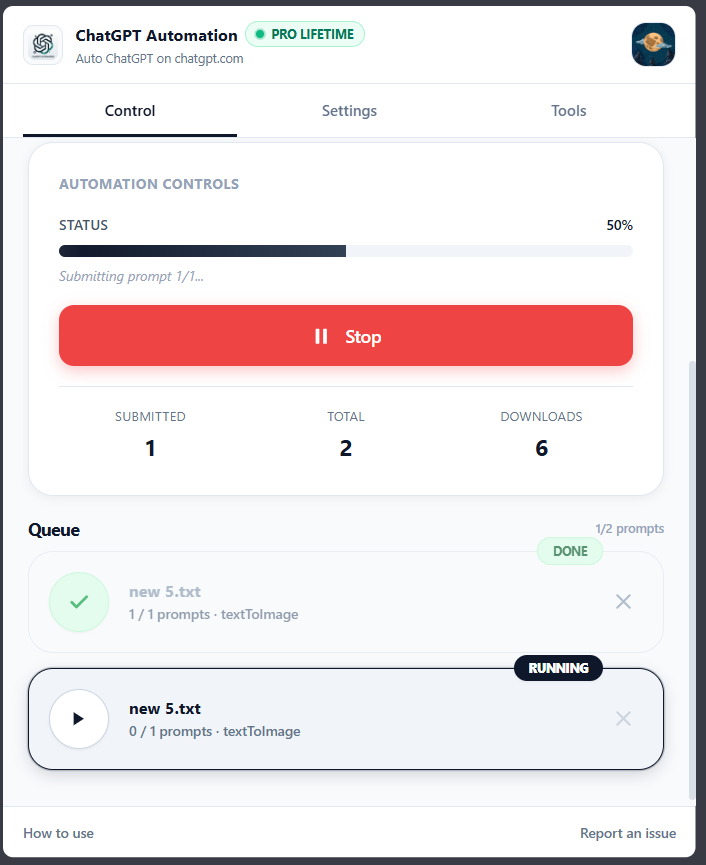
Watch progress at a glance. Image outputs are downloaded with prompt-based names and folders.
Batch product copy, captions, translations, classifications, research summaries and more.
Generate outlines, meta descriptions, hooks and caption banks from prepared lists.
Process product descriptions, title variations and lifestyle image prompts in batches.
Queue separate client files and review completed deliverables instead of every send loop.
Translate one string per line while keeping the whole run visible and recoverable.
Run controlled prompt grids for image, style, camera and format comparisons.
Batch classification, extraction and summaries using one repeatable output schema.
Each job keeps its own progress and state. Failed prompts remain visible, the queue continues, and the run can be managed without losing every completed item.
Everything important about how the extension works.
No. It runs inside your existing chatgpt.com session instead of creating a separate API workflow.
Text responses, text-to-image prompts, and image-to-image transformations with attached reference images.
The item is marked failed with its error, while the rest of the queue can continue. Failed jobs remain visible for review.
They can be downloaded into a configurable folder using prompt-based filenames for easier organization.
Yes. The side panel shows job states, current prompt counts and an aggregate progress bar.

Drop the prompt list. Keep the judgment. Come back to finished work.
Get ChatGPT Automation Free to install · Chrome extension · Works inside chatgpt.com · See plans